Choose your subject.
Rooms, objects and scenes need different coverage. Get the right starting point before the camera opens.
 Squatch RealityFind your dimensionAccount
Squatch Reality · iPhone app in development
The room you’re rethinking. The object worth keeping. The place you want to revisit. Bring a little more of your world into 3D.
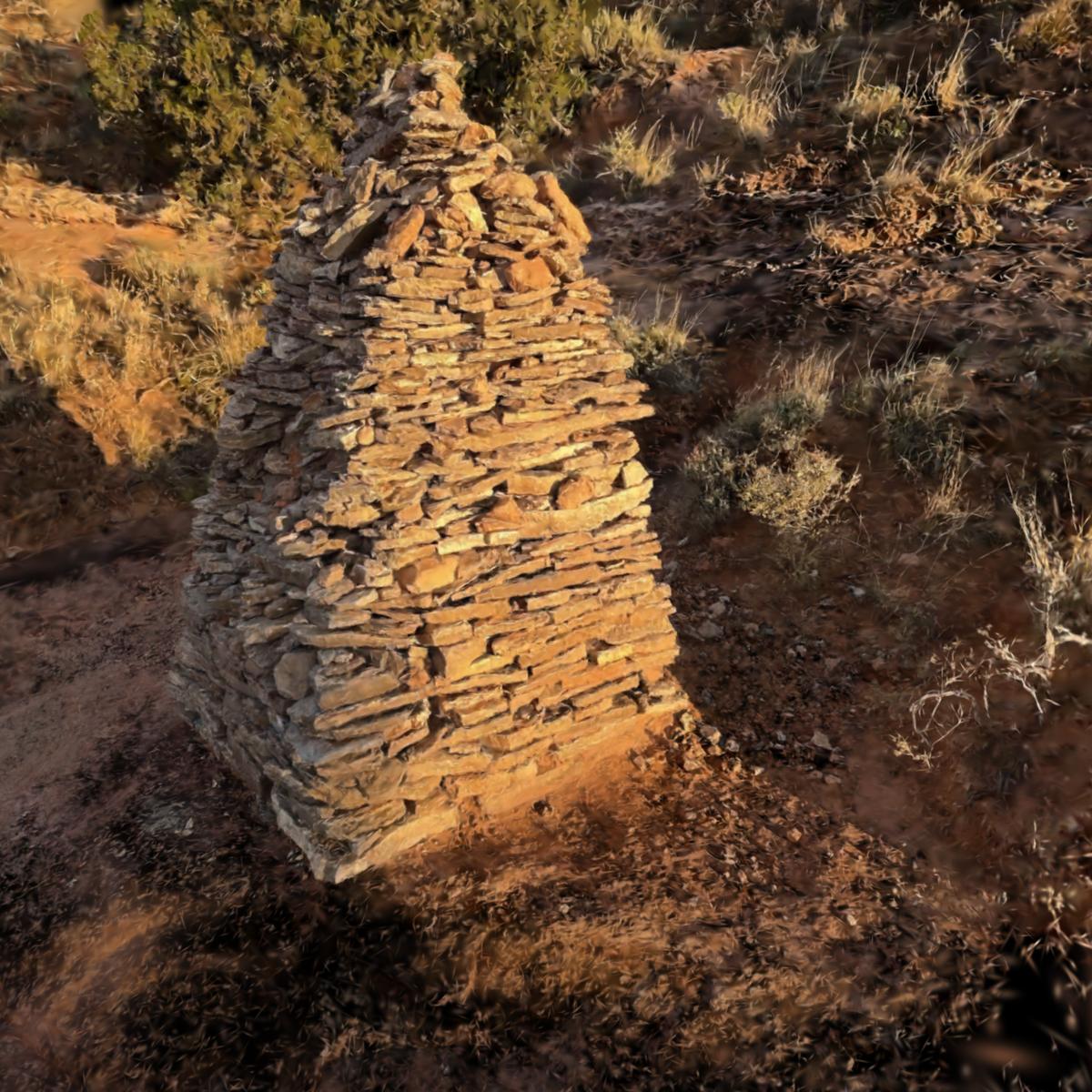
Choose what you want to bring back. Each capture mode has a different job.
Walk a room with guided detection of walls, openings and recognized furniture. Review the layout in 2D and 3D before exporting.
What a room scan records
Photograph around a still object and reconstruct a model. Inspect the result, find missing surfaces, and decide whether it needs another pass.
Scene splats keep the look and light of a place. Capture on your phone, process the views on a computer you have set up, then step back in and look around.
Start with an intention, see what you captured, and keep control of what happens next.
Rooms, objects and scenes need different coverage. Get the right starting point before the camera opens.
Move slowly, watch the light, and give corners and hidden surfaces a second look.
Look for missing areas and check the output before you export. A good-looking scene isn’t proof of accurate dimensions.
Real places from the studio’s field scans, none of them made with Squatch Reality. Pick one and turn it around in 3D.
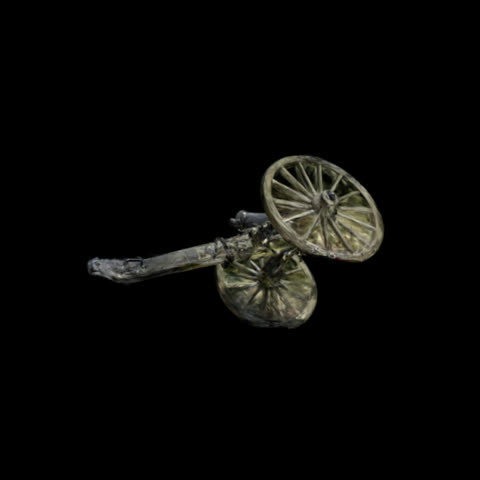
Wilson’s Creek, Missouri. Field artillery on the battlefield line, from sixty photographs. CC BY 4.0
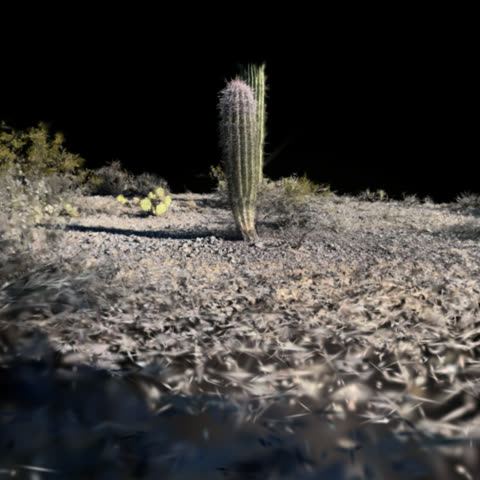
Tucson, Arizona. A saguaro stand in low desert light. CC BY 4.0
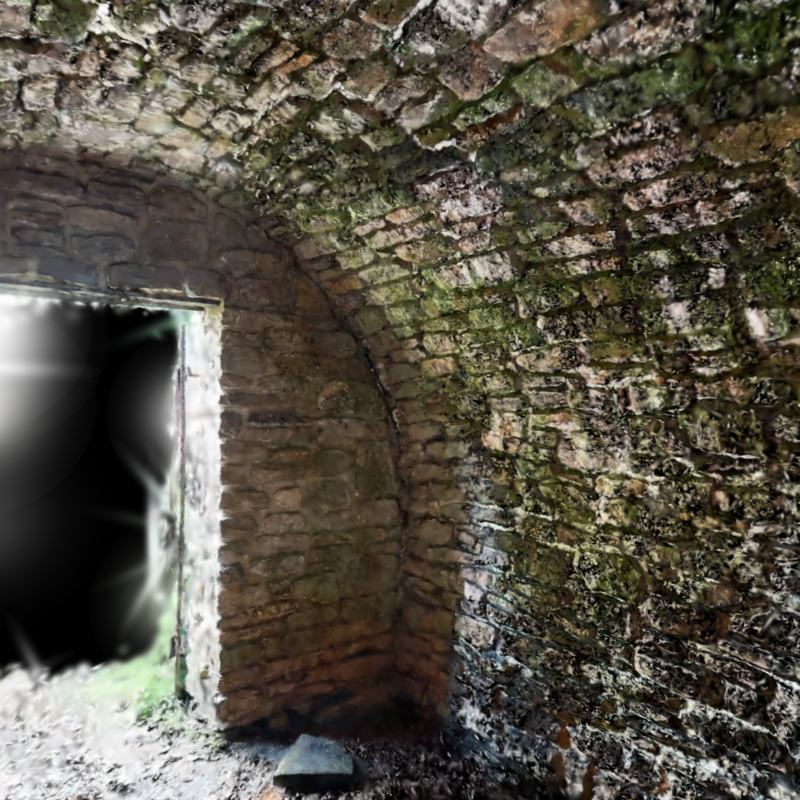
Wilson’s Creek, Missouri. Scanned from inside the old stone springhouse, looking out through its door. CC BY 4.0
A quieter kind of capture
Start locally. Review deliberately. Share intentionally.
The iPhone app is in development. Public downloads and cloud capture storage are not open yet. You can explore the studio examples and prepare your first scan here.